
How to Register in a camp or after school activity using our online registration…
(a video of the process is linked below)
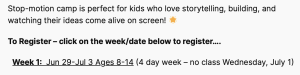
Choose the workshop/camp you wish to register in
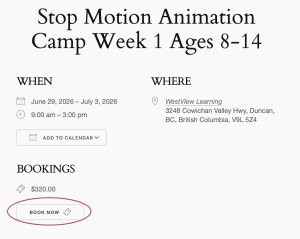
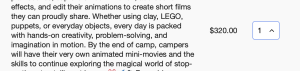
The ‘event’ window opens – click on ‘Book Event’ button. This takes you to the ticket. You have the choice of choosing 1 or 2 places to book.
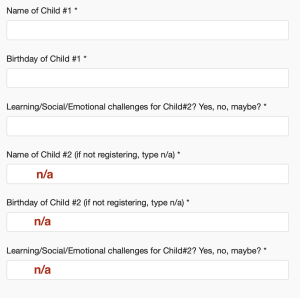
At the bottom of the page is a form to fill in about the 1 or 2 children you are registering. Please note….
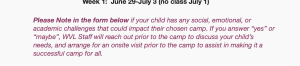
If you are only registering for one child, in the form below you must put text in the questions about the second child – a simple n/a will work.
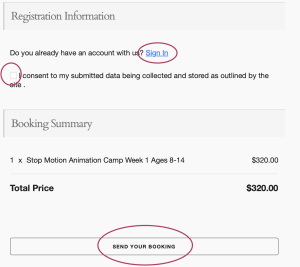
Below the form you have a link to log in to an account you may already have OR you can move on to registering as a guest. Remember to push the bottom button, ‘send your booking’ to send the booking to your cart.
Your cart is located in the top right hand of the screen,. Press on the cart to continue on to payment.
View Video of Registration Process